
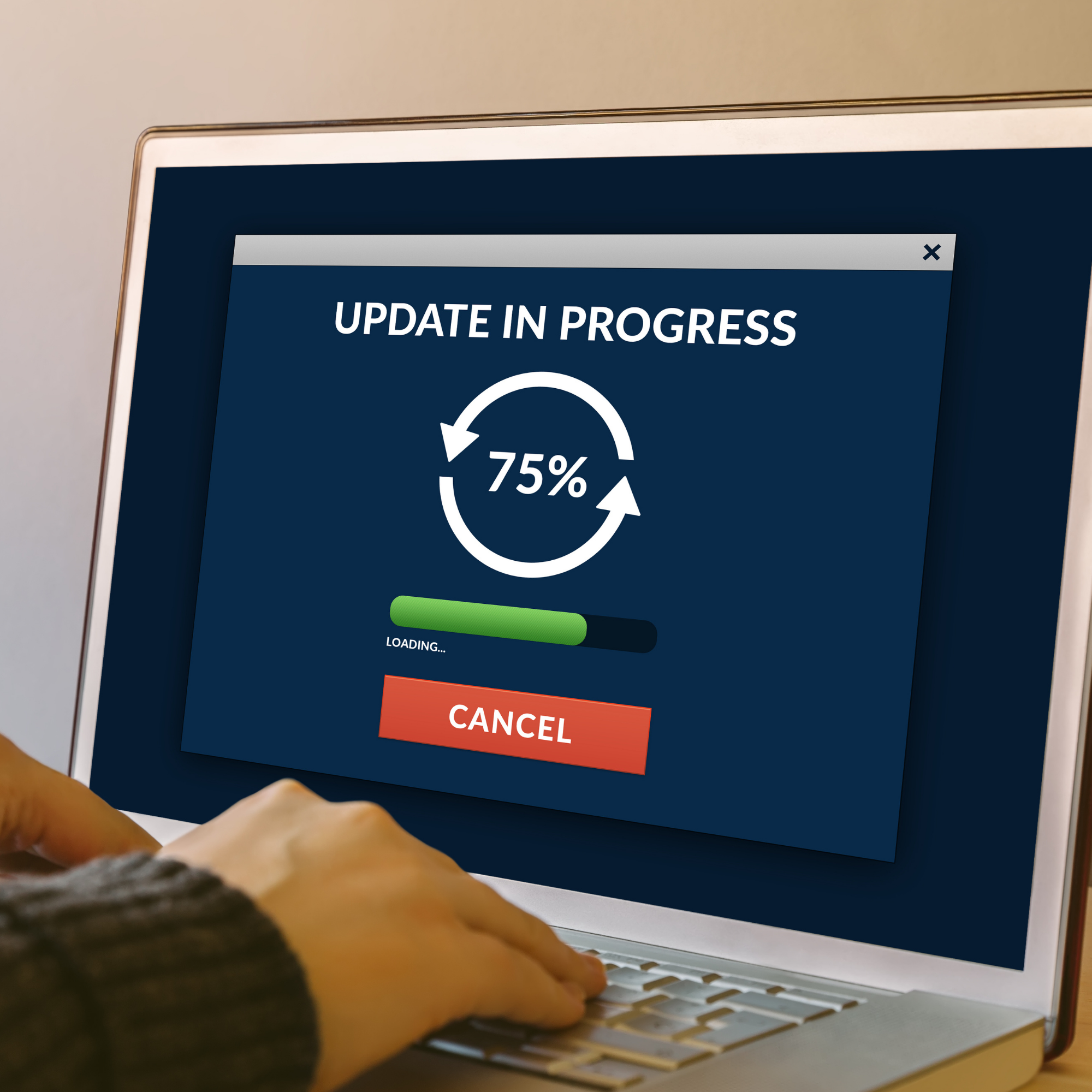
Are your Windows updates failing?
Windows updates
#FixPCTechTips
Your business’s Windows updates might be failing because of this one simple thing…
Updates are crucial for all our devices. And while it can sometimes be a nightmare running around the office updating them all, the security benefits are huge.
Updates are released regularly to protect us from security vulnerabilities that cybercriminals love to exploit. But they also help us by improving the software and making applications more usable.
But not all devices are up-to-date. Maybe your staff are automatically clicking the ‘later’ button when the pop-up notification appears. Or your updates are failing.
Microsoft has just revealed that in order to update Windows properly, your device must remain on and connected to Windows Update for a minimum of two consecutive hours, and six hours in total. That gives your device time to successfully download the update and install it.
Although it may seem like too long to leave your device online, there’s an easy way to do it. Allow any downloads to fully install by leaving your teams PCs connected and switched on overnight.
And if you’re unsure as to whether your devices are up-to-date, don’t hesitate to contact us.
For more information on the app and other I.T. support related issues get in touch with us today. Contact us here
Interested in seeing more? Check out our Facebook and LinkedIn pages for more I.T. solutions and content.